Your agents are logged out, and you are the login
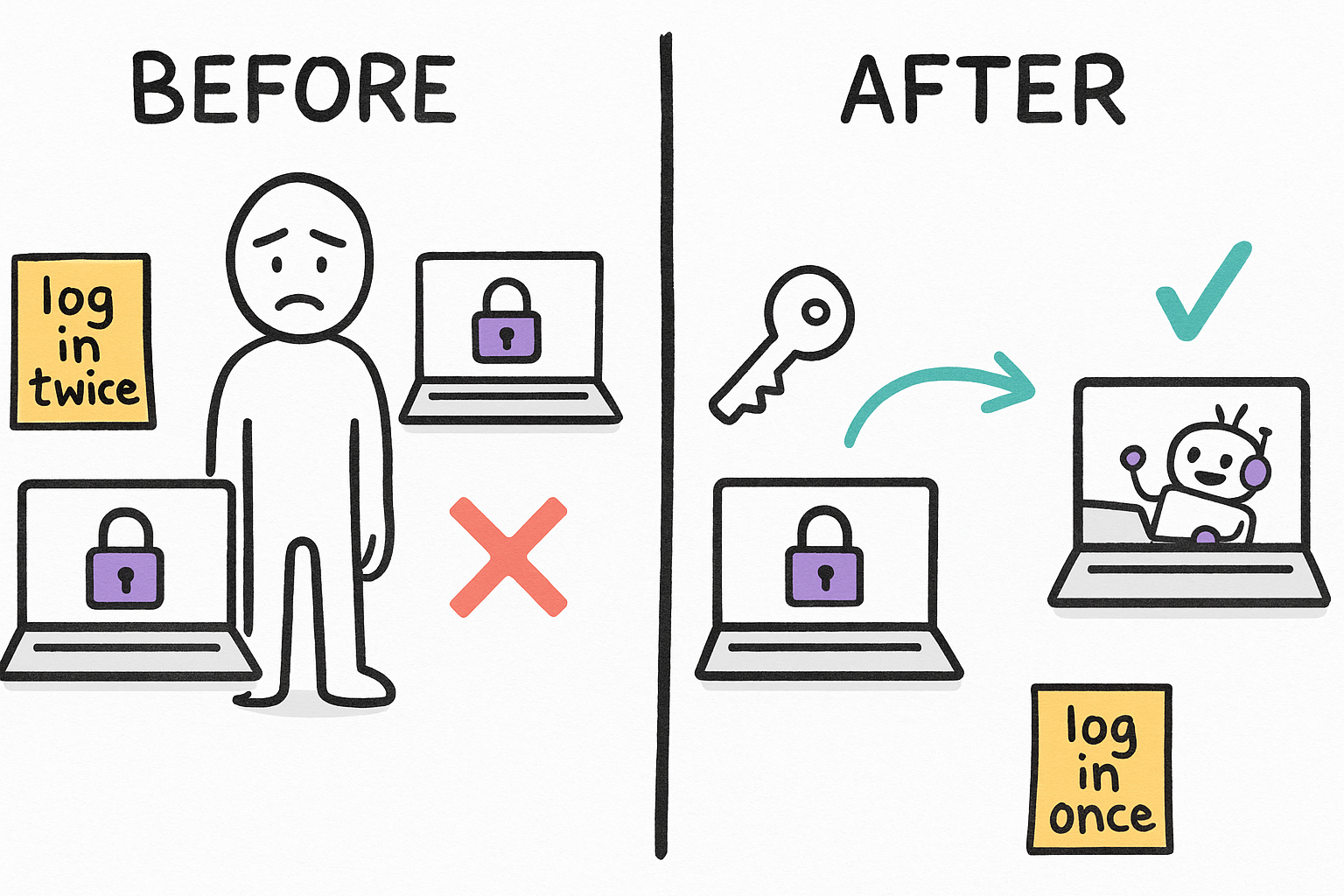
You log in on your main machine. Then an agent on the Mac, or a VPS, tries to open the same page and hits a login wall. So you log in again over there. Then the session expires and you do it a third time. Every account, every box, forever. agentcookie's whole pitch: log in once, on one machine, and every agent machine wakes up already you.
- BEFORE: log in on box 1, log in again on box 2, repeat when it expires.
- AFTER: log in once on the source. The sink inherits the session.
- It carries API keys and CLI bearer tokens on the same channel.
- github.com/mvanhorn/agentcookie, MIT, v0.17.1, actively developed.
One wire, two lanes that behave differently
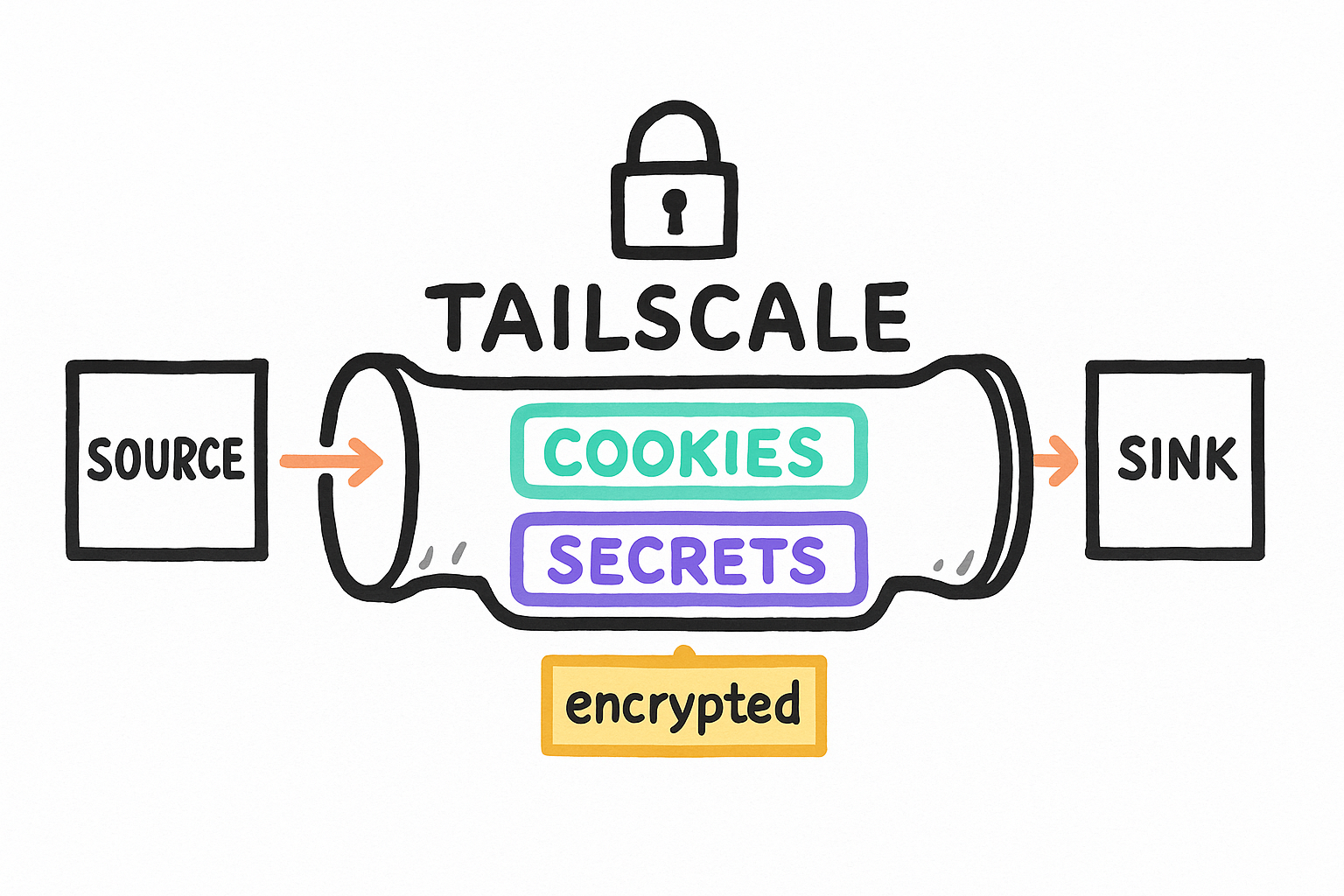
There are exactly two machine roles. The SOURCE is where you sit and log in interactively. The SINK is where your agents run. Between them runs one authenticated channel: AES-256-GCM, keys derived from a one-time pairing code, carried over your Tailscale tailnet. Two different payloads ride that wire, and confusing them is the fastest way to misunderstand this tool.
- LANE 1, COOKIES: read from real Chrome on the source, upserted into Chrome on the sink. Needs the OS keychain. This is the macOS-only lane.
- LANE 2, SECRETS BUS: per-CLI env vars and bearer tokens in plain files under ~/.agentcookie/secrets/<cli>/. No keychain involved. Works everywhere.
- Pairing is X25519 + HKDF, one-time code, per-peer keys.
- Roles: `agentcookie source` pushes, `agentcookie sink` listens.
It builds anywhere. It only FUNCTIONS on macOS.
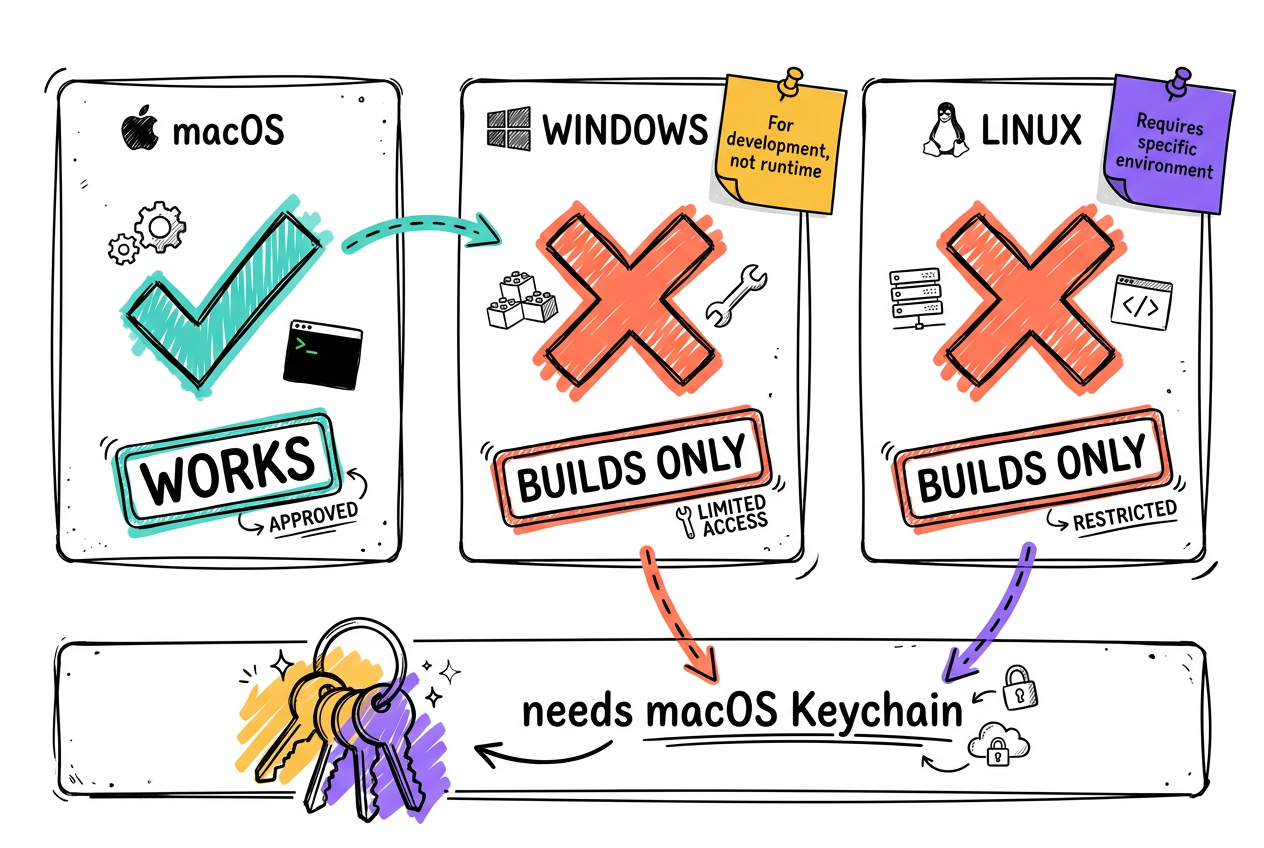
The binary cross-compiles cleanly to Windows and Linux. It installs. `doctor` comes back green. And then it reads exactly zero cookies, forever. agentcookie shells out to `security`, the macOS Keychain CLI, to get Chrome's Safe Storage decrypt key. There is no Windows DPAPI path and no Linux equivalent in the source. The README said macOS-only on line 239 and it was telling the truth.
- A successful build is NOT evidence a tool works.
- `doctor` passed on Windows because it never touches the Keychain.
- DEAD on Windows: source, sink, agent-sync, export.
- ALIVE on Windows: secret, discover, status, cookies.
agentcookie: read Chrome Safe Storage from Keychain (did you grant access?):
exec: "security": executable file not found in %PATH%exit status 36
# fix:
agentcookie wizard set-keychain-access
# (prompts for the Mac login password)The secrets bus works on Windows right now
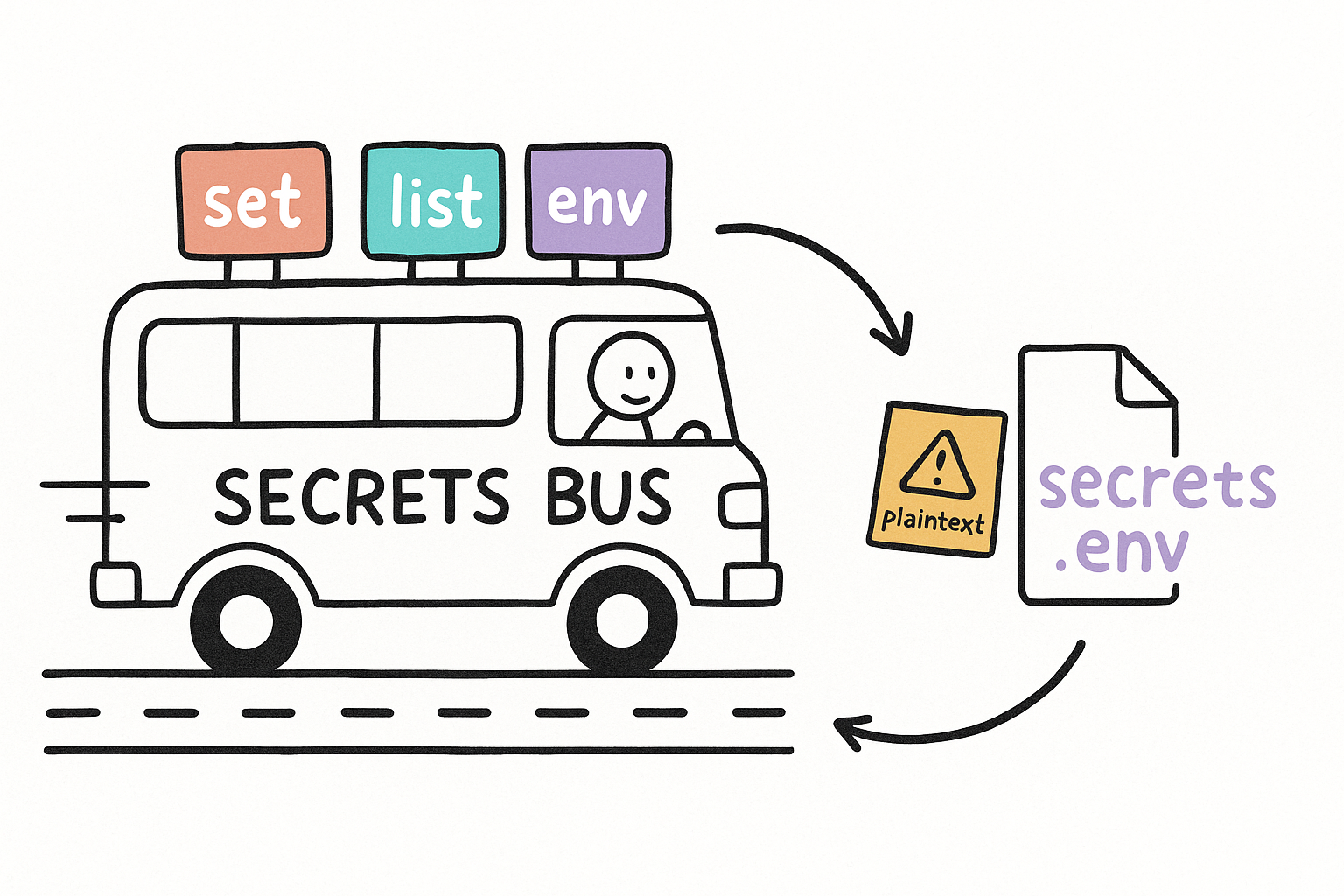
Lane 2 never touches the Keychain, so it runs here today. You register a CLI, drop its env vars in, and any consumer on any paired machine can pull them into its shell with one eval. It is a small, boring, useful thing: one place your CLI tokens live, synced instead of copy-pasted between boxes.
- Each CLI gets its own folder: ~/.agentcookie/secrets/<cli>/secrets.env
- `secret set` reads the value from stdin or prompts. It never takes it as an argument.
- `secret list` shows CLIs and key NAMES only, never values.
- Also available: get, rm, alias, import-from, revoke.
agentcookie secret set my-cli MY_CLI_BEARERagentcookie secret listeval $(agentcookie secret env my-cli)agentcookie discover
agentcookie statusagent-sync and cmux-sync: same trick, no second machine
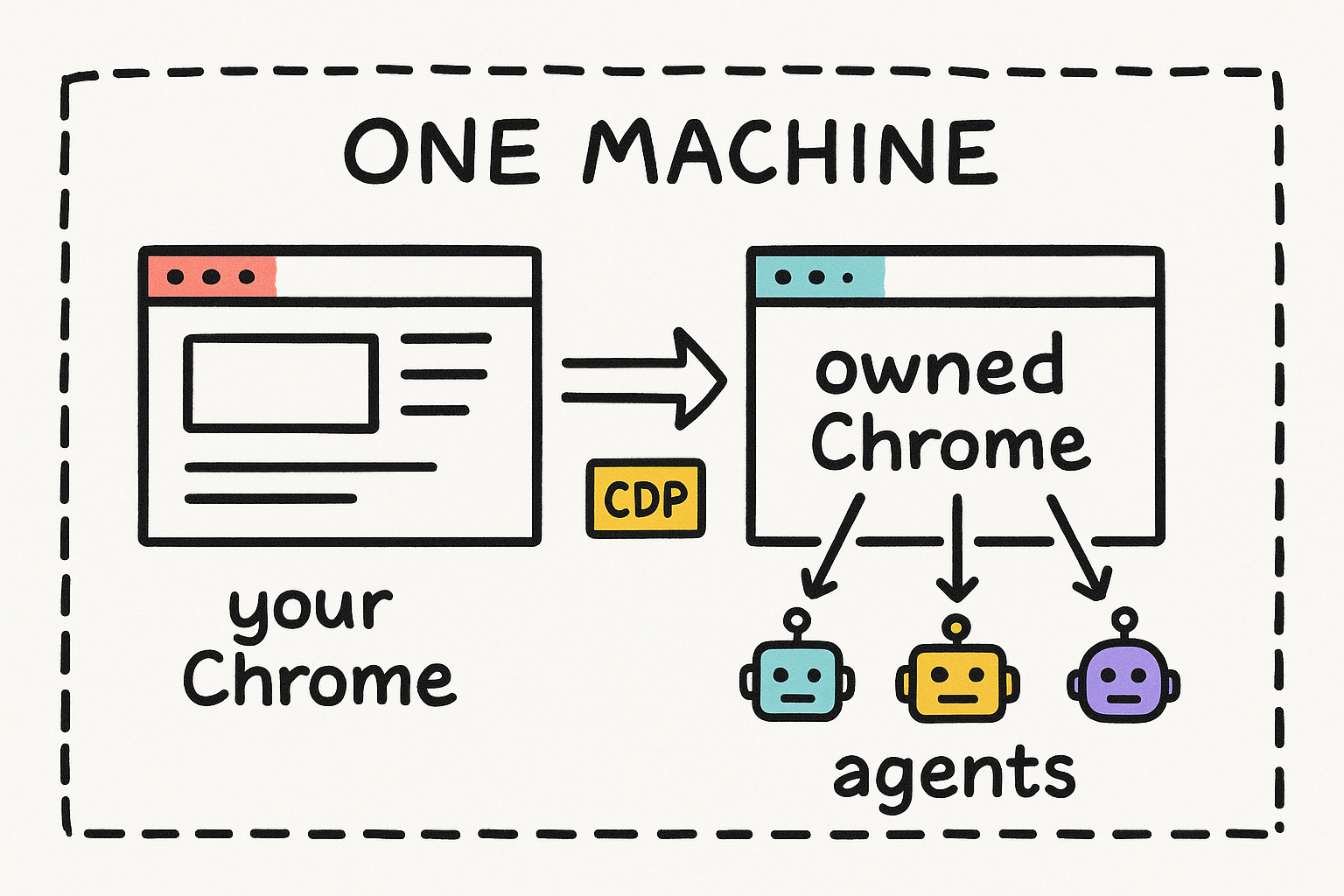
The two-machine story is not the only story. `agent-sync` runs an owned Chrome on ONE machine, kept logged in from your real Chrome, and exposes it on a CDP port that agent browsers attach to. Your agents drive a browser that is already you, on the box you are sitting at. `cmux-sync` is the same local loop pointed at cmux's browser instead.
- agent-sync: owned Chrome on a CDP port, agent browsers connect in.
- cmux-sync: local loop into the cmux browser's separate cookie jar.
- Both still read real Chrome, so both are still macOS-only.
- cmux is an unrelated third-party product, https://cmux.com. Opt-in surface only.
Google DBSC cookies do not transfer. And it writes plaintext.
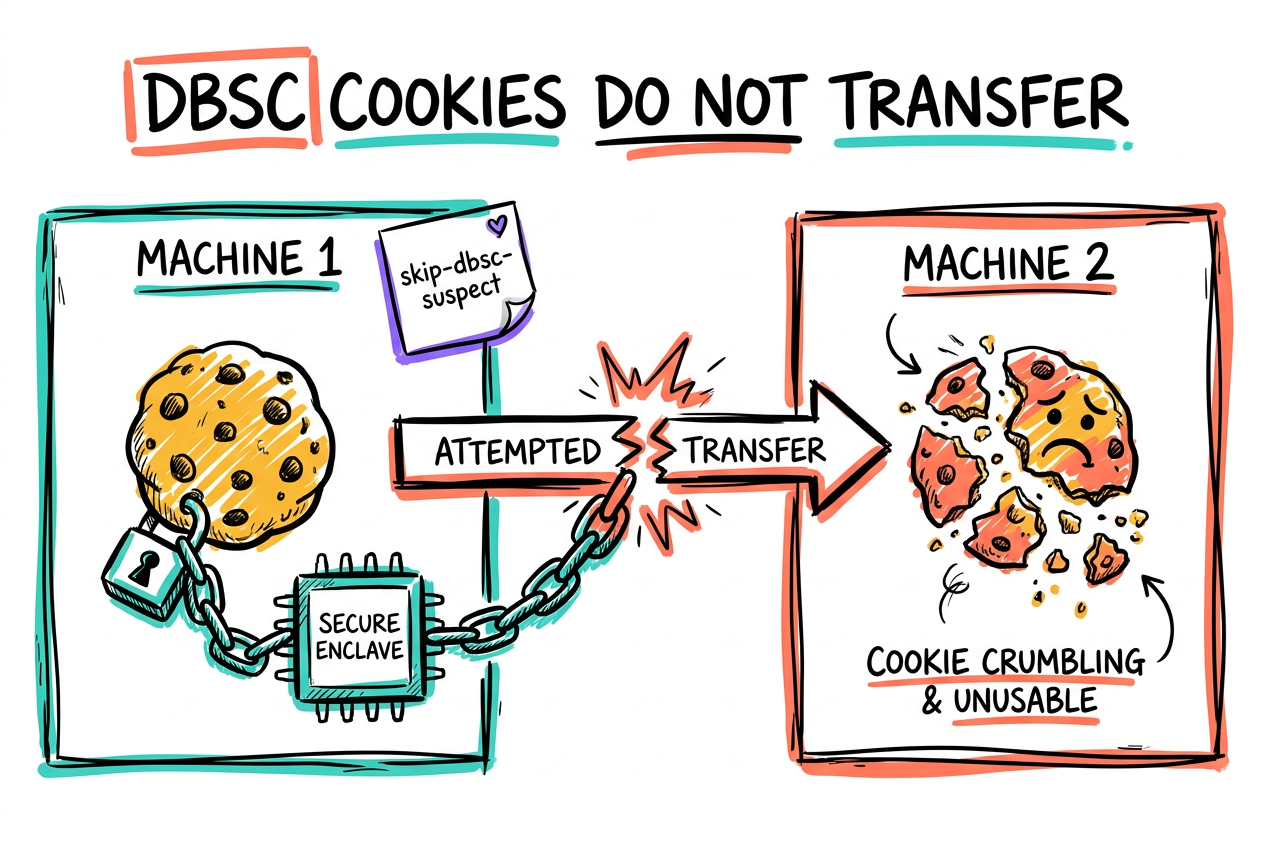
The tool documents its own biggest hole, so believe it. Google's Device Bound Session Credentials tie a session to a key held in the SOURCE machine's Secure Enclave. The sink cannot sign the refresh challenge, so the copied cookie dies on first refresh. agentcookie flags those cookies, and `--skip-dbsc-suspect` drops them instead of shipping sessions that will break.
- Google DBSC-bound cookies do NOT survive the copy. Not a bug, physics.
- --skip-dbsc-suspect drops them rather than shipping dead sessions.
- Plaintext on disk: ~/.agentcookie/cookies-plain.db and secrets/<cli>/secrets.env
- Default cookie policy is sync-all with NO blocklist. Set a policy before the first wizard run.
- A go-install build is ad-hoc signed on macOS, so it re-prompts for the login password every run. Use the notarized release for unattended work.
- Not configured anywhere yet. Every host reports the same FAIL: no source.yaml or sink.yaml.